
Procurios Developer Blog: Blogposts
Keep test code simple

Writing simple tests is hard. Simple does not mean easy; it means straightforward and "not complex". The key to simple tests is not to add structure to your test code, but writing good production code.
An event sourcing first-timer's retrospect

One of the challenges of working at Procurios, is that we have many similar-but-not-same customers. Case in point are the three Dutch political parties that we host at the time of writing.
We have a rule of thumb here: 1, 2, many. It's ok to make features for specific customers, rather than for the product. It's ok to make a similar feature twice. But when we have several instances of similar feature requests, then it's time to make a proper feature for the product. While onboarding our third political party, we ran into a "many".
Better team work through divergence and convergence

Over the years we've had the good fortune of working with promising junior programmers. The best way for a new developer to get up to speed is through pair or mob programming, and so we mobbed at least one day per week. During our cooperative sessions we've made a very interesting discovery that we now call: the Attitude model.
Lees meer over "Better team work through divergence and convergence"
Wat heb je nodig voor de Procurios Academy?

We krijgen regelmatig de vraag wanneer je in aanmerking komt voor de Procurios Academy. Een vereiste is niet dat je specifieke IT-diploma's hebt. Dus dat scheelt. Maar wat dan wel?
Lees meer over "Wat heb je nodig voor de Procurios Academy?"
De terminologie van ES-CQRS

Eén van de uitdagingen bij het in gebruik nemen van Event Sourcing (ES) en Command Query Responsibility Segregation (CQRS) is dat er nog geen gevestigde terminologie is. De uitleg die je wel kunt vinden, is regelmatig te vaag om er met iedereen over te praten.
Afgelopen woensdag waren (bijna) alle Procurios-ontwikkelaars bij een ES-CQRS workshop, gegeven door FourScouts. Bij FourScouts hebben ze veel ervaring met het gebruik van ES-CQRS, in veel verschillende projecten en contexten. Ze hebben daarbij een redelijk evenwichtig beeld gekregen van termen en de betekenis die anderen in de praktijk aan die termen geven.
Stukje content op Maat? Maak een Article Template!
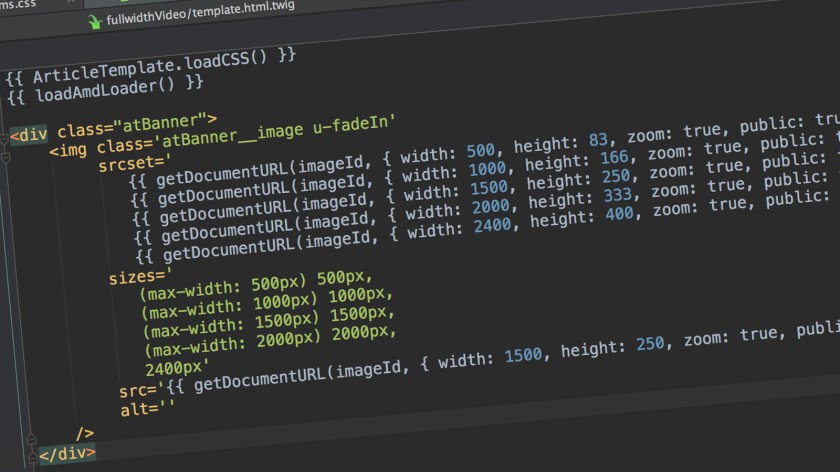
Wat doe je als Front-end Developer bij Procurios als een klant je vraagt om een stukje content op maat? Dan maak je een Article Template!
Lees meer over "Stukje content op Maat? Maak een Article Template!"
The Agile Mindset at Procurios

After reading a three-part blog post ‘What is Agile?’1, 2, 3 by Barry Overeem I was intrigued to write something about the Agile Mindset at Procurios. We’re doing a lot of things to get every employee in an Agile Mindset. For instance, we are doing our work in empowered, self-organizing teams.
Super sticky
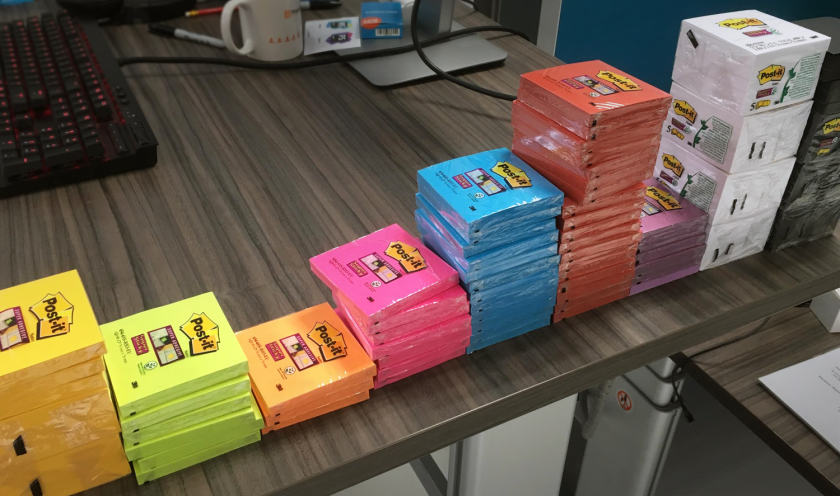
Post-its zijn (na de laptop) misschien wel onze meest gebruikte tool. Op onze glass boards, tijdens brainstorms, retrospectives en bij event storming - er gaat geen dag voorbij zonder dat we briefjes schrijven.
Wel zo fijn als die briefjes ook netjes blijven hangen. En niet al te idioot veel verkleuren. Daarom hebben we als experiment een tijdje met 3M Super Stickies gewerkt, in plaats van de huismerkplakkers van de lokale kantoorboekhandel.
Hoe Procurios een vakman van je maakt
Leren om een betere programmeur te worden en er ook nog voor betaald krijgen? Het klinkt alsof het te mooi is om waar te zijn toch? Sinds ik bij Procurios werk heb ik ontzettend veel bijgeleerd over programmeren, servers, scheduled jobs en nog veel meer.
Refactoring

Onlangs heb ik hét boek over Refactoring gelezen, namelijk Refactoring: Improving the Design of Existing Code van Martin Fowler. Dat wil zeggen, ik heb alle hoofdstukken gelezen die de basis leggen voor de refactorings verderop in het boek. Het grootste deel van het boek bestaat namelijk uit een catalogus van refactorings en is zeer geschikt als een naslagwerk: eentje dat vanaf nu dichtbij ligt tijdens mijn werk.
Procuriosdagen voor toegankelijkheid

Recentelijk heb ik een aantal dagen besteed aan het verbeteren van onze back-end op het gebied van toegankelijkheid voor mensen met een functiebeperking. Ik heb hiervoor een aantal zogenaamde Procuriosdagen ingezet. In deze blog leg ik kort uit wat dit zijn, om vervolgens iets te vertellen over online toegankelijkheid en de verbeteringen die ik heb doorgevoerd.
Modelleren kun je leren

Sinds kort ben ik echt bezig met Object Oriented Programming. Daarvoor was ik vooral bezig met code werkend krijgen. Voor een klant zijn wij met mijn team bezig om een online “mijn” omgeving te maken. Waarbij o.a. een OAuth-koppeling om de hoek kwam kijken. Ik wil jullie graag meer vertellen over hoe wij modelleren en code aan de praat krijgen.
Scrum is fun

Three event storming workshops - a report
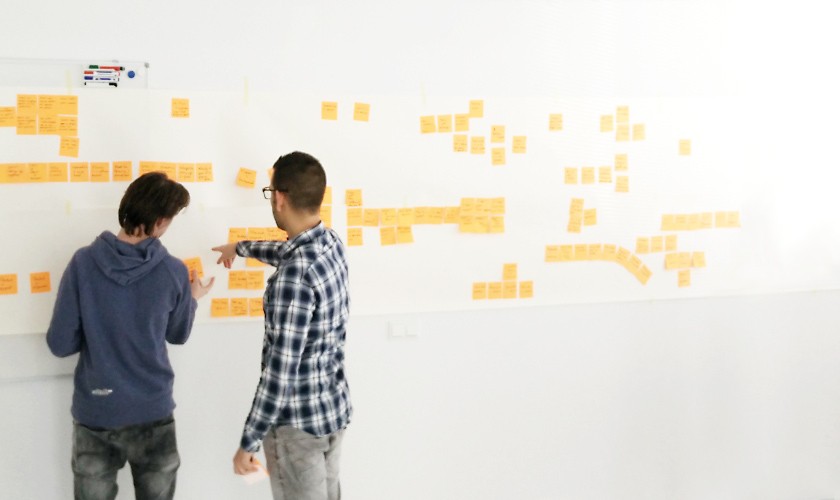
Since we learned of event storming at Procurios it felt like an interesting tool to me. Several teams started experimenting and using it for two main reasons. Getting to know the customers business and helping the customer realise that their business is much more complex than they always assumed.
To help everyone in the company understand what we mean when we talk about event storming Pim and I organised a series of three workshops open to any employee. Bonus? I got three free tries at facilitating and learned loads.
Daemons in PHP
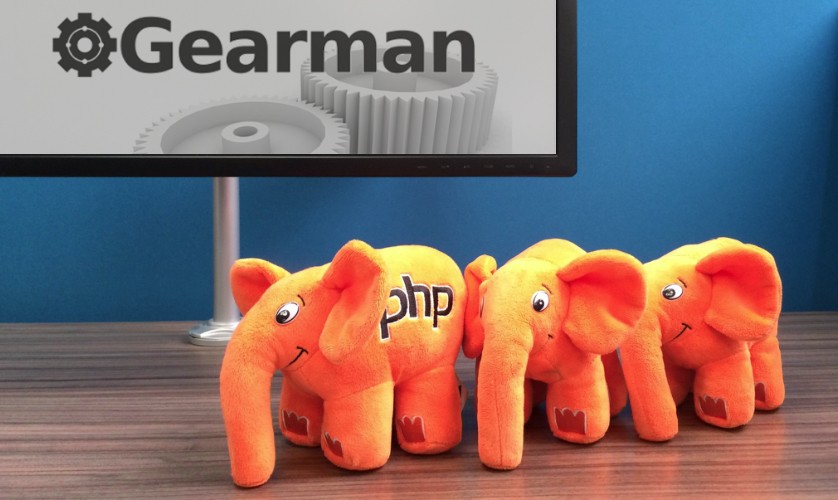
Wij gebruiken PHP niet alleen voor webrequests maar wij hebben ook daemons draaien die voor ons bepaalde taken uitvoeren. Je moet hier bijvoorbeeld denken aan een server die achtergrondtaken start, maar deze keer wil ik graag vertellen over onze gearman-manager daemon.
- Vorige pagina
- 1
- 2
- 3
- 4
- Volgende pagina